wt: A Git Worktree Helper
January 21, 2026 · 2 min read
Part of wt →Git worktrees are having a moment. With tools like Claude Code, opencode, and Amp, you can run multiple coding agents in parallel. But they step on each other’s toes when they run in the same directory (and I’m looking for maximum efficiency here!)
Git worktrees are a clean way to give each agent its own space but they suffer
from a major problem: they don’t copy over .env (and other gitignored) files,
so you can’t test the changes without some manual setup.
So I created a git worktree wrapper called
wt.
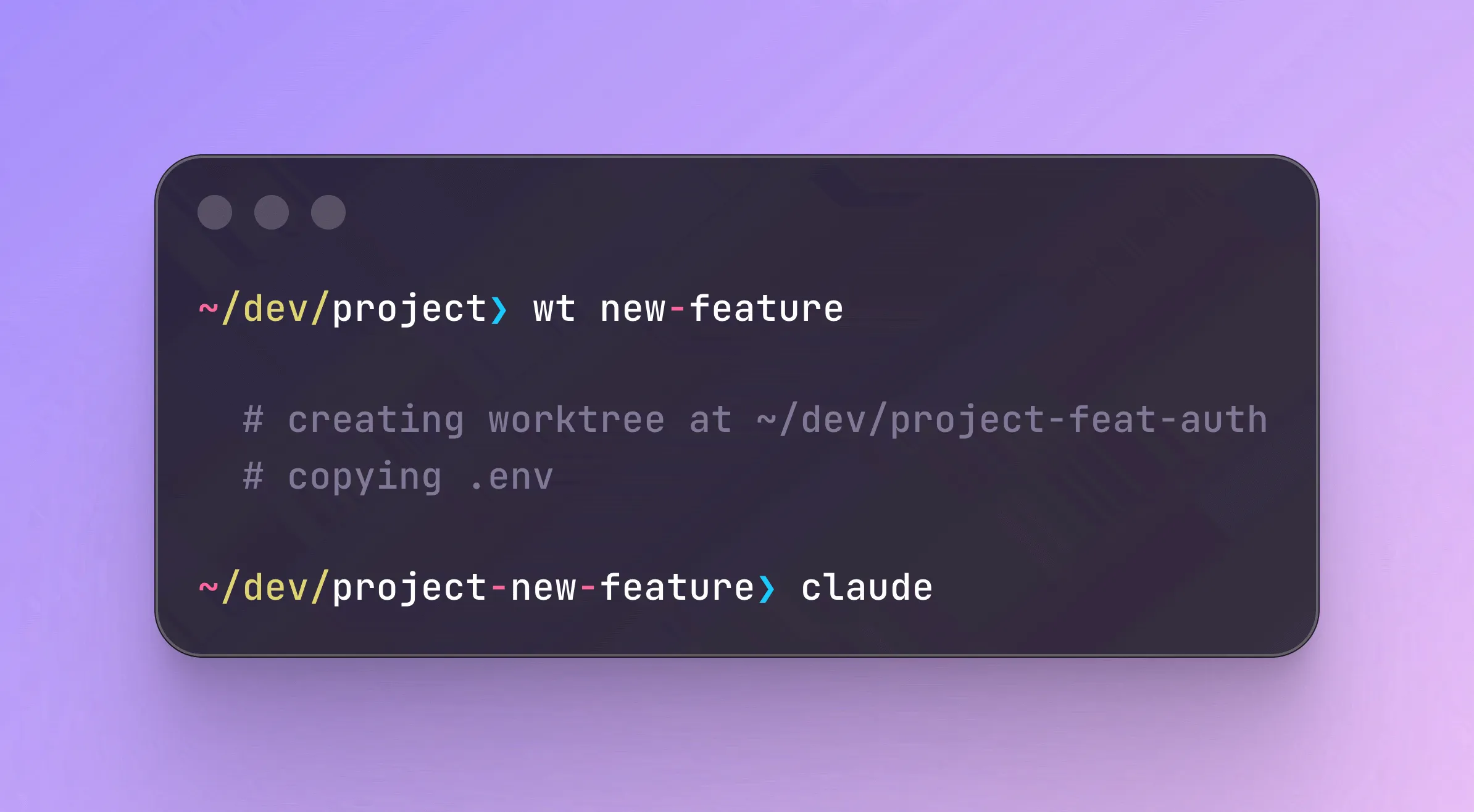
What it does
# Create a worktree for an existing branch
wt feature/login

# Worktree ends up at ../myproject-feature/login
It handles the path for you and copies over everything that was in your
.gitignore. Worktrees live at ../<repo>-<branch>, which keeps them organized
and out of the way. And you can have it auto-cd you into the new worktree
directory, too.
A few other commands:
# List worktrees
wt ls

# Clean up
wt rm feature/login
.worktreeinclude
Building on what Claude Desktop (oddly not Claude Code, yet) and Cline already
promote, wt supports a .worktreeinclude file, which is the same format as
.gitignore but allows you to copy over just a subset of items.
Create a .worktreeinclude file to specify what gets copied:
.env
.env.local
If the file doesn’t exist, wt falls back to copying everything in .gitignore
that exists in the source worktree. If you don’t want any files copied, you can
always opt-out with --no-copy.
Bonus: Even more speed
Add a wtc function to your .zshrc or .bashrc that creates a worktree and
launches Claude Code in one go:
wtc() { wt "$@" && claude; }
Install
brew install venables/tap/wt